> ## Documentation Index
> Fetch the complete documentation index at: https://auth0-docs-event-stream-action-templates.mintlify.site/llms.txt
> Use this file to discover all available pages before exploring further.
> Learn how to configure your WhatsApp Vault Connection to send messages via WhatsApp.
# WhatsApp Vault Connection
## Get your WhatsApp token
Learn how to generate a token at [WhatsApp](https://developers.facebook.com/blog/post/2022/12/05/auth-tokens/).
## Configure your WhatsApp Vault connection
To configure a WhatsApp Vault Connection for your WhatsApp Flow Actions, you need to set the required parameters.
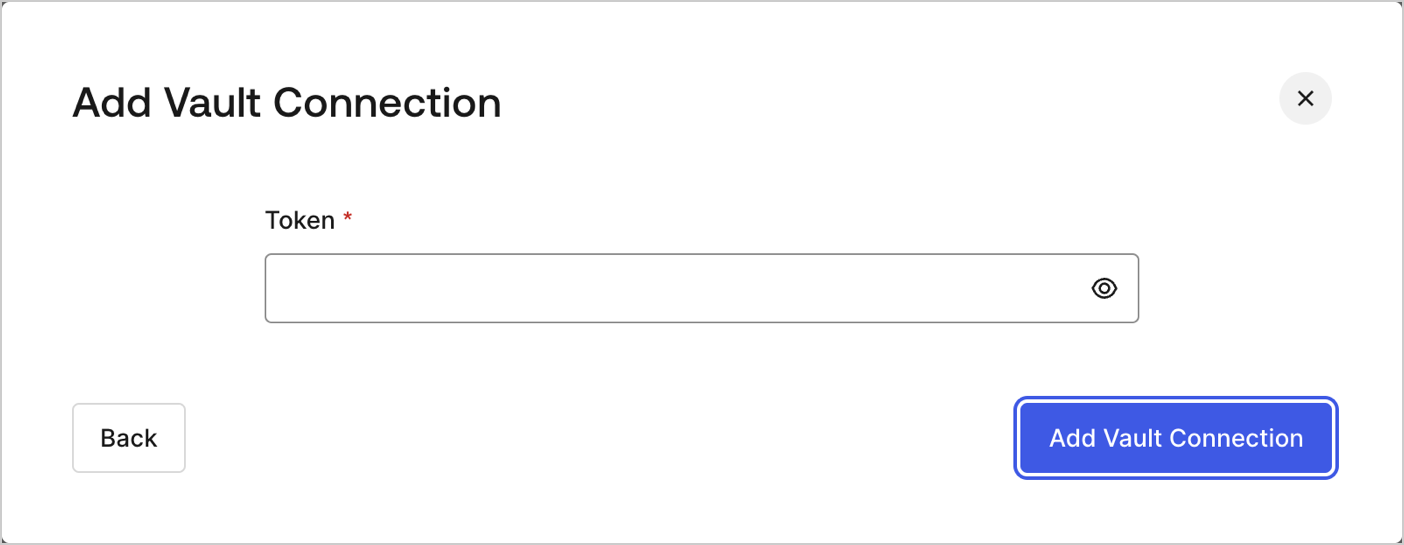 ### Input settings
| Parameter | Description |
| --------- | ----------------------------------------------- |
| Token | Generated Token for Whatsapp API authorization. |
### Input settings
| Parameter | Description |
| --------- | ----------------------------------------------- |
| Token | Generated Token for Whatsapp API authorization. |