> ## Documentation Index
> Fetch the complete documentation index at: https://auth0-docs-event-stream-action-templates.mintlify.site/llms.txt
> Use this file to discover all available pages before exploring further.
> Learn how to configure your JWT Connection to sign, verify or decode JSON Web Tokens.
# JWT Vault Connection
## Configure your JWT Vault connection
To configure an JWT Vault Connection for your Flows JWT Actions to sign, decode, and verify JSON Web Tokens, you need to set the required parameters.
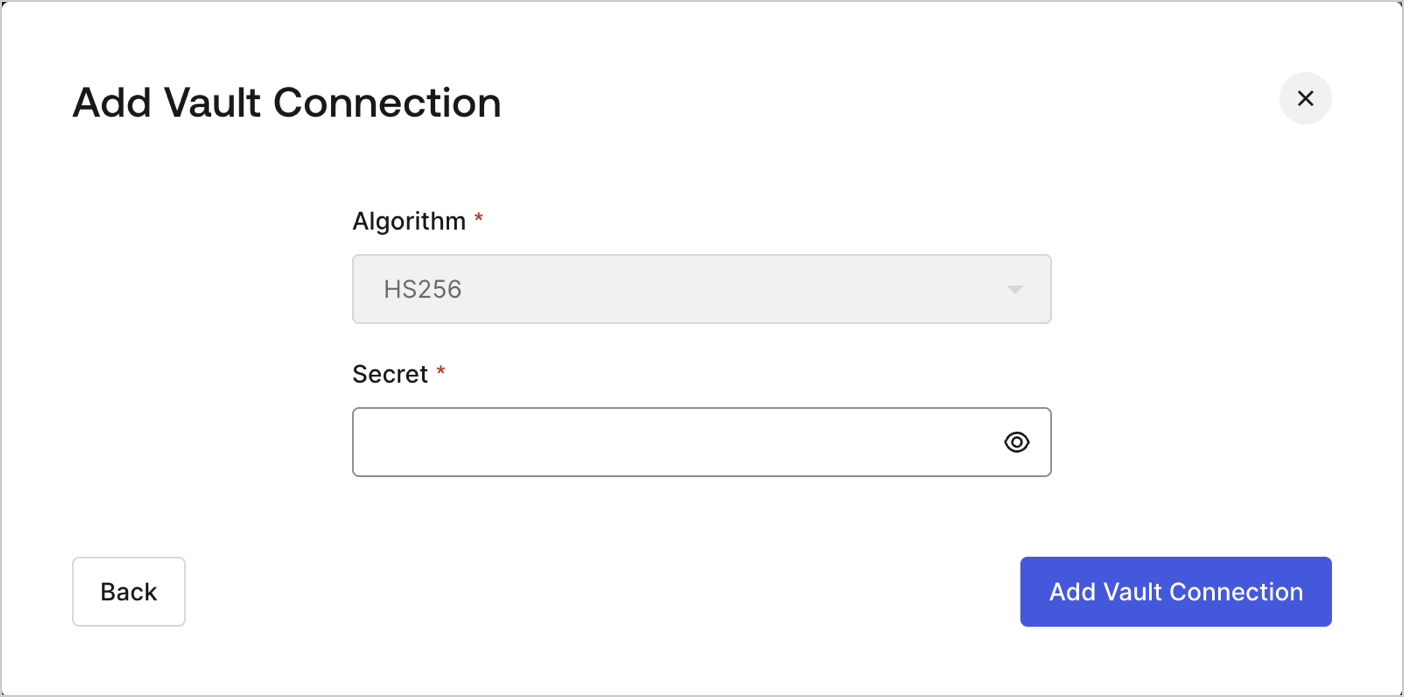 ## Input settings
| Parameter | Description |
| --------- | ----------------------------------------------------------- |
| Secret | Secret to be used in the HS256 algorithm to encode the JWT. |
## Input settings
| Parameter | Description |
| --------- | ----------------------------------------------------------- |
| Secret | Secret to be used in the HS256 algorithm to encode the JWT. |